
 The Specialty News
Gemini Can Now Use Your Mac for You, From $4.99 a Month
Google's computer use runs in a background window on Apple Silicon Macs, clicking through apps, files and forms while your own cursor stays free.
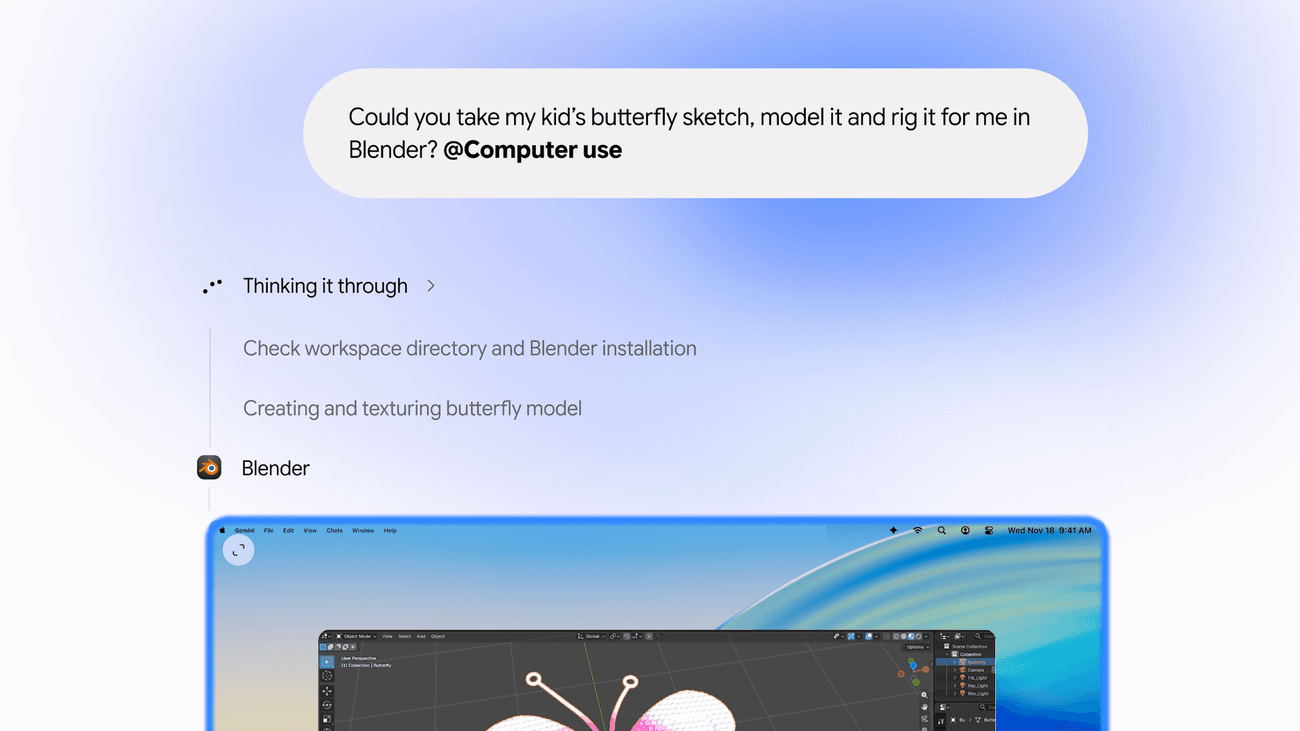
Google's demo starts with a child's drawing of a butterfly and a one-line request: model it and rig it in Blender. Since Thursday, subscribers in the US can ask the Gemini app for Mac to do that kind of work itself, opening apps, clicking menus and typing into forms in a separate window while they keep using their own screen. It turns the hours of repetitive clicking that fill a working week into something you can hand off and watch from the corner of your eye.
A Butterfly Sketch, Rigged in Blender
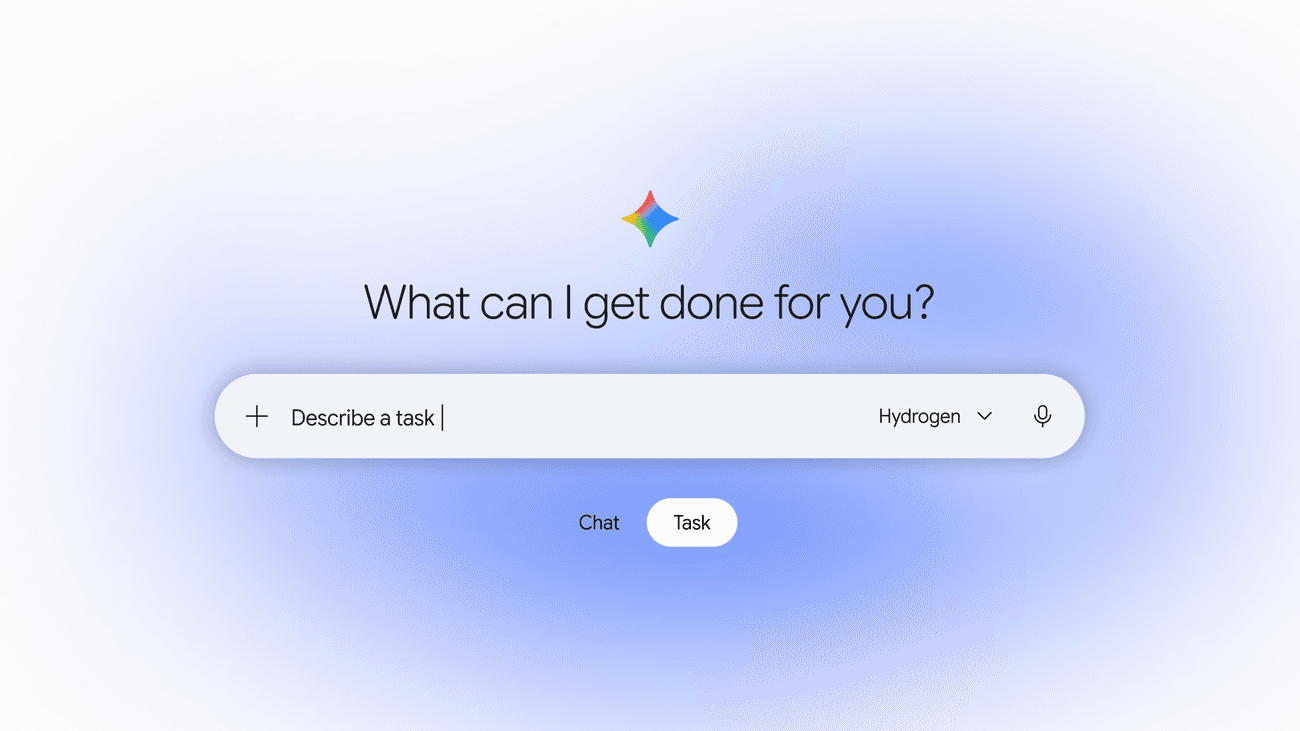
The feature has no flashy brand name. In the Gemini app you add @Computer use to a prompt, describe the job, and Gemini starts working through the apps, files and websites on your Mac. Google's post, written by Michael Friedman, a group product manager on the Gemini app, lists the kind of chores it has in mind.
One is creative grunt work: batch color-grading a folder of photos in design software, or setting up a complex 3D scene. Another is paperwork, pulling weights, dimensions and addresses out of local PDFs to fill in a shipping quote with dozens of boxes. A third builds a Google Slides presentation from the metrics and screenshots on live dashboards across several regions.
The most relatable example is a closet clear-out. Gemini looks at photos of clothes in a folder, researches what similar items sell for, logs the details and stages the listings on resale sites, ready for you to publish. The interesting part is where all this happens.
A Second Desk That Stays Out of Your Way
Earlier computer-use agents tended to borrow your screen. Gemini works inside an isolated window in the background instead, and a live preview of what it is doing sits in your chat. Your main screen and your cursor stay yours, so you can keep writing an email while it fills in a form next door.
“The cursor stays yours while Gemini clicks through the window next door.”
The controls are simple. You choose which apps Gemini is allowed to use. You can watch every step, pause or stop it at any time, and Gemini asks for your approval before key actions. That last step is what makes it practical to hand an agent a real task on a computer full of real files.
The requirements are specific: a Mac with Apple Silicon running macOS Sequoia 15.0 or later, a personal Google account for someone 18 or older, and the Gemini app for Mac. Then there is the question of price.
Who Gets It First, and What It Opens
Computer use comes with Google's paid AI plans, Plus, Pro and Ultra, at no extra charge. The cheapest of them, AI Plus, costs a few dollars a month in the US, according to MacRumors.
Google is not first to the idea. As TechCrunch notes, OpenAI, Anthropic and Meta already offer agentic features in their desktop apps. What Google brings is a low entry price: this puts a desktop agent inside its cheapest paid tier rather than only the premium one, with no extra charge on top. Google has not said when it will reach other countries, languages or Windows.
The people who stand to gain are the ones with the most clicking in their week: the small seller listing secondhand clothes, the office manager copying addresses into shipping forms, the analyst rebuilding the same deck every Monday. For them, a Mac now comes with a second pair of hands that works in the next window and stops to ask before it does anything that matters.
One Prompt, Hands-Off Mac Work
The Brief
Stay curious
AI and technology: what changes and why it matters.
Your daily selection, in English or Spanish.
Free forever. Unsubscribe anytime.
More stories





Conversation
Start the conversation